

The Basics
The best place to start learning about the new Pro/ENGINEER Wildfire is at the beginning. Here are the essentials, from the new user interface to the advanced new modeling and sketching tools.
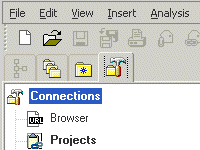 |
The New Look Pro/ENGINEER has a whole new look and feel — from the background color, to the modeling interface and geometry colors, to all new icons. Learn how and why these changes were made to create a dramatically easier modeling environment. |
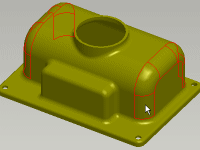 |
New Selection Tools There are now two ways to create features, one offering speed, and the other, ease of use. Learn how selection is now "always on," and how it uses familiar paradigms through the CTRL and SHIFT keys. |
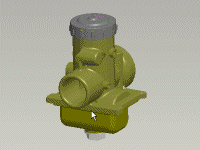 |
Spin, Rotate, Pan and Zoom With quick and easy model viewing, you can now focus on your model and not on menus. Plus, controling your view of the model is easier using the middle mouse button. Now, your most commonly used capabilities — spin and zoom — are immediately accessible, with no keyboard keys required. |
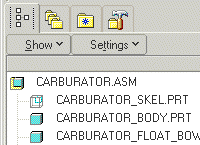 |
The Navigator In Pro/ENGINEER Wildfire, the Model Tree area now has a new name — the Navigator. And the name change is just the beginning. In addition to improving its capabilities, we've added tabs that contain powerful new navigational tools. Check it out and discover how modeling life is easier with the Navigator. |
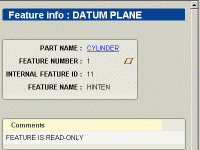 |
Browsing Information and Using ModelCHECK In the past, "text" information from Pro/ENGINEER was just that — text. Hard to track and understand. Now, rich XML reports make that information navigable and dramatically easier to understand. Plus, ModelCHECK results and interaction have been overhauled and embedded right in Pro/ENGINEER. |