

Browsing Information and Using ModelCHECK
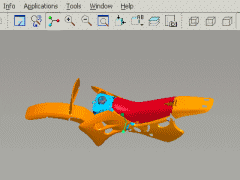
With Pro/ENGINEER Wildfire, you no longer must track parent-child relationships through various text windows. Now, all the textual information can be browsed, providing you with a powerful tool for understanding the complexity and power of your model. Furthermore, ModelCHECK is much more useful and interactive within the embedded Pro/ENGINEER browser.
| Finding Feature, Component and Assembly Information Finding relevant modeling information has never been easier. Need to navigate feature information, or browse the Bill of Material? Now you can access this information instantly through your browser. Just click on the links to find what you need. |
||
|
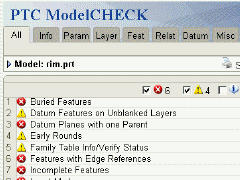
| ModelCHECK No more opening separate windows to check your model against company standards. ModelCHECK results have never been more interactive within Pro/ENGINEER Wildfire. |
||
|
)
)
)
)
)