Sketching
Sketching is the most fundamental step in modeling. So how has it changed in this release? For starters, sketches now can be created much easier, either through Direct Modeling or the Dashboard. Plus, sketching now offers many new capabilities.
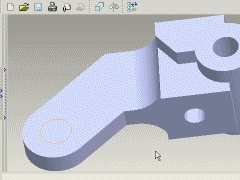
| Entering Sketcher The two new methods for creating features also apply to creating sketches. You can select the sketching plane before or after you start sketcher. |
||
|
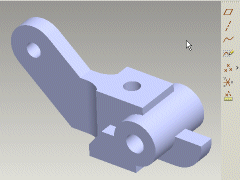
| New Sketching Capabilities Once you get into sketcher, you'll discover new and enhanced capabilities to help you get exactly what you want. |
||
|
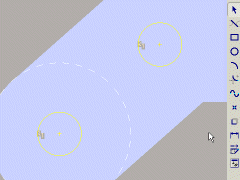
| Using Sketches For Features So how do you use a sketch to create a feature? You can use either Direct Modeling or the Dashboard approach when using sketched datum curve features. |
||
|