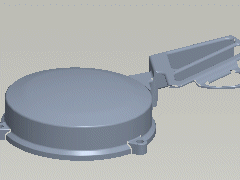
Feature Preview
Getting graphical feedback — or instantly seeing the results of your actions — is one of the most essential parts of a usable tool. Read on to find out how a new system — Feature Preview — ensures that you'll get the geometry that you specified.
| What You See Is What You Get In previous releases of Pro/ENGINEER, you had to specify all the options for a feature before actually seeing the resulting geometry. If the feature failed, there was no feedback to help determine the cause of the failure. The new Feature Preview in Pro/ENGINEER Wildfire is always up-to-date. If you don't like what you see on the screen, you can specify any change and instantly see the corresponding result. Also, if the feature preview disappears, it means the feature is failing. How will you know what caused the failure? Simple: The last action you performed before it disappeared was the cause of the failure. In Pro/ENGINEER Wildfire, you have to remember this simple tip: What you see on the screen is what you'll get when you complete the feature. |
||
|