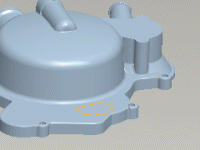
Direct Modeling
Work On The Model, Not On MenusOK, so you want even more speed? Well...Direct Modeling is the method for you. The advantage behind Direct Modeling is stated in its name – work directly on the model. No more dialog boxes. Mouse travel is minimized because all the interaction is directly on the model itself.
| The Sentence Rule First, whether you use Direct Modeling or the Dashboard approach, the Sentence Rule is the key to creating features. Briefly, here's how it works. The structure of the sentence tells you which feature you should use and the necessary references. When using Direct Modeling, you select the references, and then execute the action. |
||||
|
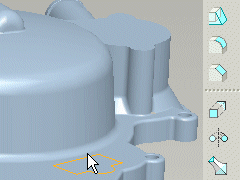

| Dynamic Manipulation Making changes to models has never been easier with Direct Modeling. It's all enabled by handles. Note that, when making changes, handles become active. Also, you can view snapping-to references with the SHFT button. Observe that grid snapping is controlled through the config.pro. |
||
|
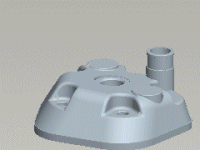

| Shortcut Menus Pro/ENGINEER Wildfire's new shortcut menus give you unprecedented power for toggling feature options and progressing to advanced features. Keep in mind that different shortcut menu options are available for different selected objects, such as handles and direction arrows. |
||
|