

Design Conferencing
Now you can instantly connect to other users regardless of where they are. This capability lets you explain that difficult area of a design in an online design review, teach or learn a new feature in Pro/ENGINEER from a peer or show Technical Support a problem you are having.
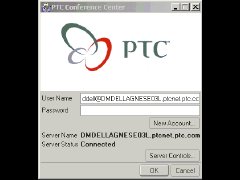
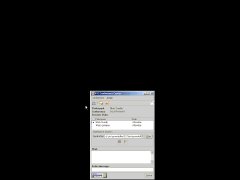
| The PTC Conference Center Once you login to The PTC Conference Center, you are able to search for people online, create or join a conference, invite people to the conference, share models with others, or chat with people online. |
||
|
| The Shared Space When a conference is created, a Shared Space with the same name gets created on your computer. This is an encrypted folder, which is synchronized with all other machines participating in the same conference. The conference host (the person who created the conference) can store models in the Shared Space. Everyone who accepts the invitation to the conference can retrieve the model from their own Shared Space and make changes to it. When the model is saved back to the Shared Space, it is also copied to everyone else's Shared Space. Therefore, all participants always have the latest copy of a design. Shared Spaces can be accessed either from the Conference Center or from within Pro/ENGINEER. |
||
|
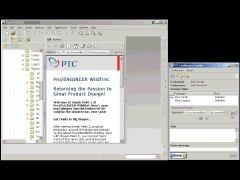
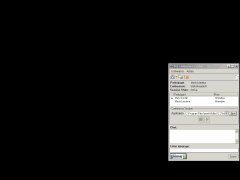
| Shared Sessions With Design Conferencing, Pro/ENGINEER sessions can be shared with other Pro/ENGINEER users anywhere. The way it works is simple; everyone has Pro/ENGINEER running on his or her machine and one user is the presenter. As the presenter is working in Pro/ENGINEER, the Pro/ENGINEER commands are streamed to all observers' computers, and their machines follow what the presenter is doing. At any time, the presenter can transfer control to anyone else participating in the conference. Pro/ENGINEER uses unique technology from Groove Networks to make Design Conferencing firewall friendly and to encrypt all information that is sent between participants. When models are stored in Shared Spaces, they are encrypted, and only people participating in the associated conference have access to them. The conference host (initiator of the conference) controls who has access to the conference and whether participants can download and save data or not, so your intellectual property is protected. |
 |