Article - CS63567
How to write text in a sketch vertically in Creo Parametric 2.0
Modified: 13-Jun-2017
Applies To
- Pro/ENGINEER and Creo Elements/Pro Wildfire to Wildfire 5.0
Description
- How to write text in a sketch vertically?
- How to give a vertical orientation to a text in sketcher?
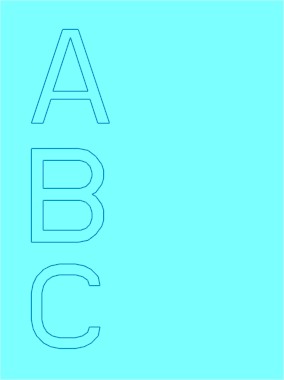
- In sketcher mode, when a text feature is used and the user is prompted to "Select start point of line to determine text height and orientation" sketch a vertical line from bottom to top for the text to be right side up. Sketching a vertical line top to bottom creates the text upside down.
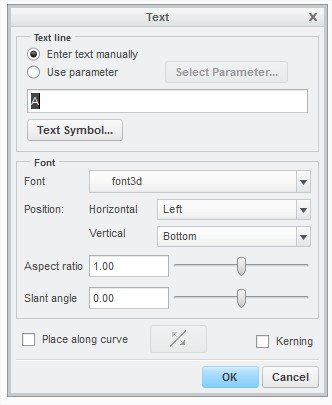
- There is no option in the Text feature to change the direction of the text while keeping the letter orientation as seen on the screen capture above:
This is a printer-friendly version of Article 63567 and may be out of date. For the latest version click CS63567