Article - CS348112
Windchill Workgroup Manager becomes blank when we open Inventor files from the workspace
Modified: 01-Jul-2021
Applies To
- Windchill PDMLink 11.0 M030
- Windchill Workgroup Manager
- Autodesk Inventor 2018
Description
- Windchill Workgroup Manager becomes blank when we open Inventor files from the workspace
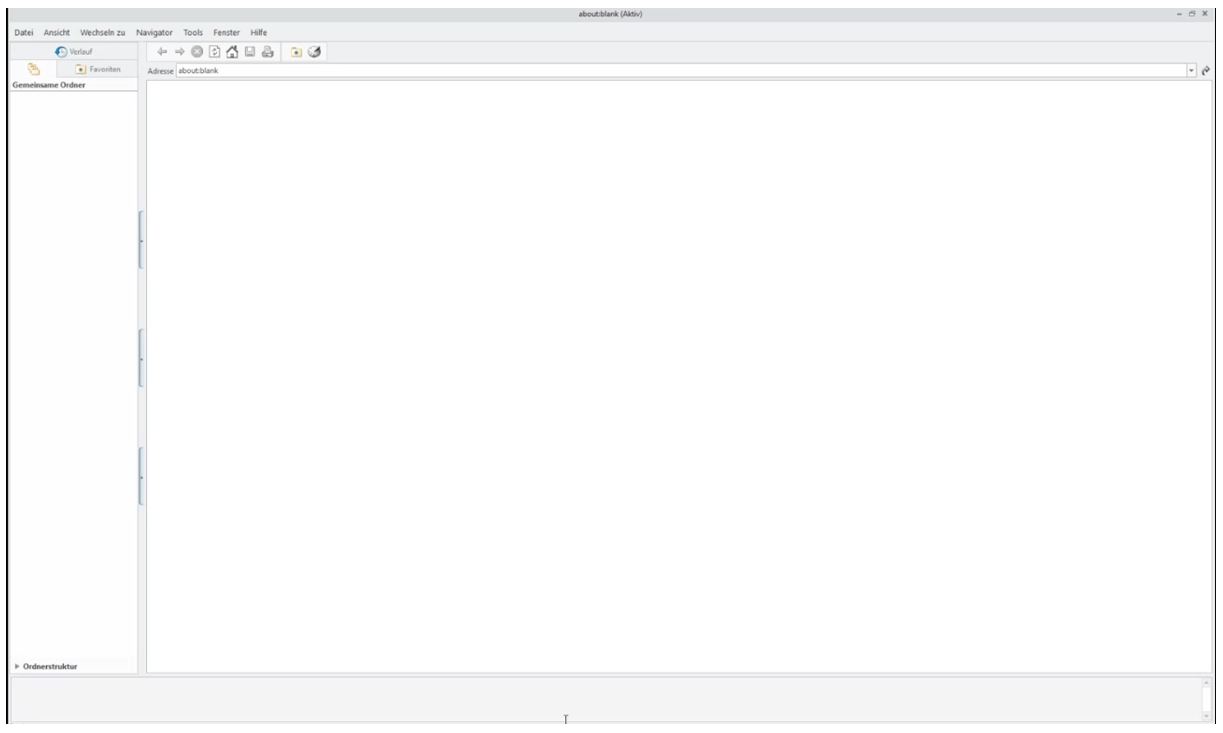
- Observed mostly during the first attempt to open a Cad document under a large workspace
- Activating the workspace using tools>Server management will get the content of WGM workspace back
- Cleaning the cache or restarting the machine doesn't solve the issue
This is a printer-friendly version of Article 348112 and may be out of date. For the latest version click CS348112