Article - CS339072
After Installation, users receives 'No Java Virtual machine found' error in Windchill Requirements Connector
Modified: 15-Feb-2021
Applies To
- PTC Requirements Connector (formerly Integrity Requirements Connector) 3.4 F000
Description
- After Installation, users receives 'No Java Virtual machine found' error in Windchill Requirements Connector
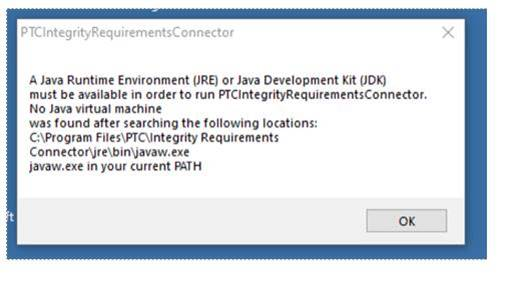
- Below error messages pops out when trying to run the application:
- A Java Runtime Environment (JRE) or Java Development Kit (JDK) must be available in order to run PTCIntegrityRequirementsConnector.
No Java Virtual machine was found after searching the following locations:
C:\Program Files\PTC\Integrity Requirements Connector\jre\bin\javaw.exe
javaw.exe in your current PATH
- A Java Runtime Environment (JRE) or Java Development Kit (JDK) must be available in order to run PTCIntegrityRequirementsConnector.
This is a printer-friendly version of Article 339072 and may be out of date. For the latest version click CS339072