Article - CS278610
Creo View: When the assembly is marked as transparent in Creo Parametric combined state and published, Creo View does not honor the Transparency
Modified: 29-Jan-2018
Applies To
- Creo View Adapters 4.0 to 4.2
- Creo View 4.0 to 4.1
Description
- Steps to reproduce:
- Create assembly with components
- Create combined view with asm marked as transparent:
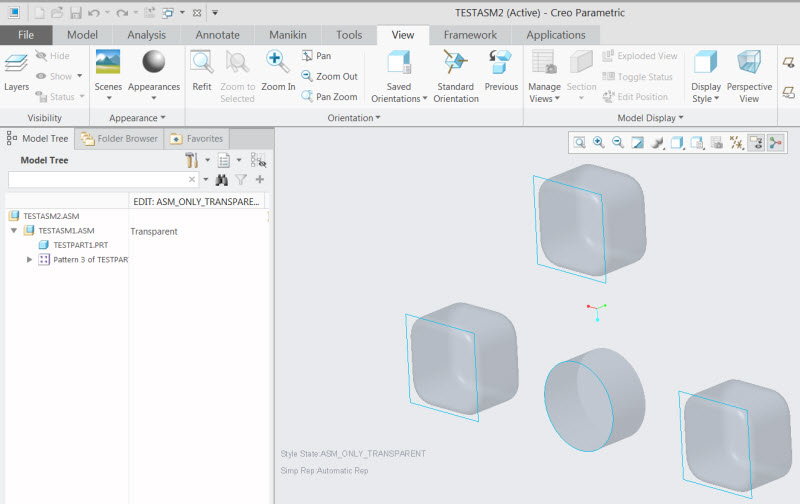
- Publish the assembly using the Creo View Adapter
- While opening the representation, observe that combined view does not honor the Transparency:

- If the components are marked as transparent individually, Creo View shows correct behavior
This is a printer-friendly version of Article 278610 and may be out of date. For the latest version click CS278610