Article - CS270576
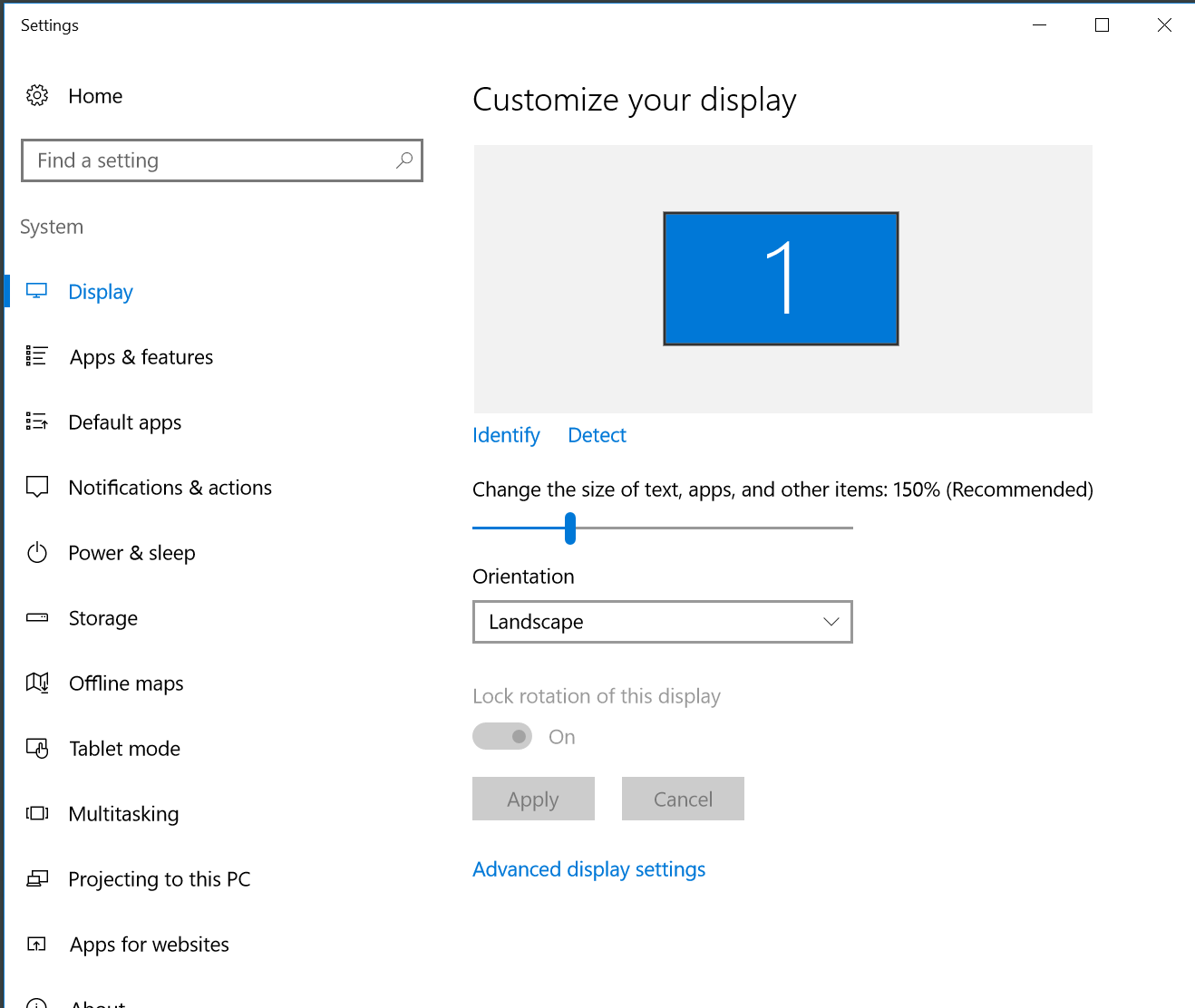
Changing the "Display setting" on Windows 10 from 100% to 125% or higher, scrollbars and buttons are missing in Creo Parametric's embedded browser.
Modified: 10-May-2022
Applies To
- Windchill PDMLink 10.2 M030 to 12.0
- Creo Parametric 4.0 to 9.0
- Creo+
- Windows 10
- Internet Explorer & Chromium embedded browser
Description
- Setting the Display to 125% or 150% on Windows 10, causes the scrollbars and buttons to be missing in the embedded browser

- scroll bar missing in workspace in embedded browser

- The Bottom part of some operations windows is missing
- OK and Cancel buttons are missing in Check In window
- Similar to CS266011 but its resolution does not cover this display behavior
- When Creo embedded Browser zoomed in, selecting check boxes shifts, further zooms in the whole window so unable to select more objects
This is a printer-friendly version of Article 270576 and may be out of date. For the latest version click CS270576