Article - CS235377
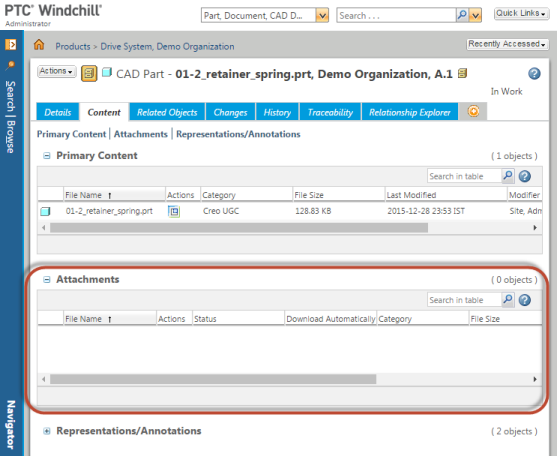
How to Edit, Add or Delete Attachments for CAD Documents from the Content tab of an EPM Document in Windchill PDMLink
Modified: 20-Mar-2026
Applies To
- Windchill ProjectLink 10.2 to 11.2
- Windchill PDMLink 10.2 to 13.0
Description
- How to attach external files (Analysis reports, reference document etc.) to a specific CAD object version which are relevant to be saved with the object
- How to make use of Secondary attachment of CAD Documents to store relevant files along with CAD for future reference
- Can not Edit, Add or Delete Attachments for CAD Documents from the Content tab of an EPM Document
- No option "Edit Attachments" is available under Actions menu on a CAD/EPM Document under Content > Attachments table

This is a printer-friendly version of Article 235377 and may be out of date. For the latest version click CS235377