Article - CS170096
After activating a Workspace, CAD Documents are not displayed in the Workspace with Windchill Solutions 10.2 M010 CPS03 or CPS04
Modified: 21-May-2014
Applies To
- Windchill Solutions 10.2 M010 CPS03 and CPS04
- Creo Parametric - All Releases
Description
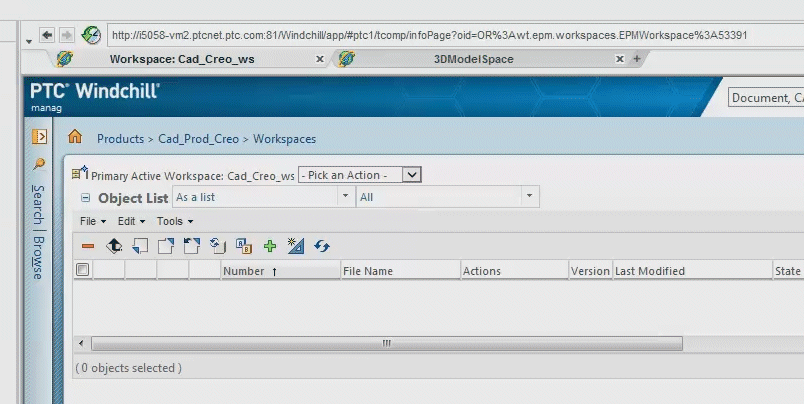
- After activating a Workspace, the Workspace appears to be empty (objects that were previously shown in the inactive Workspace are not listed or disappear) upon the initial refresh of the Workspace:
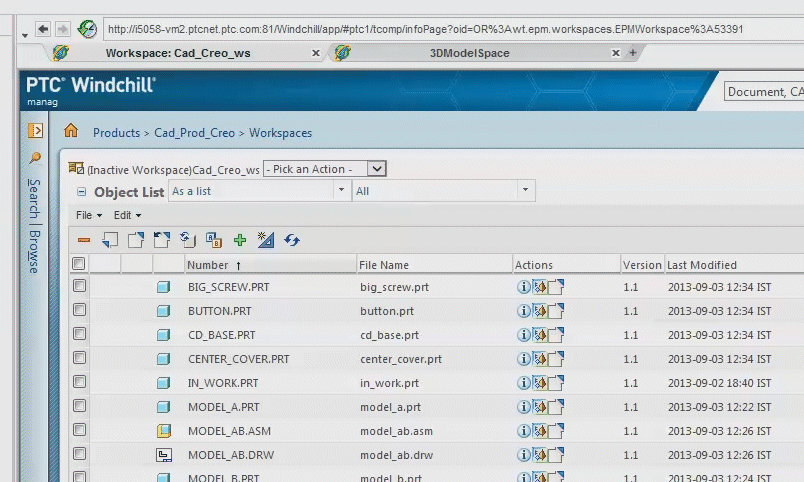
Objects in Workspace prior to Activation:
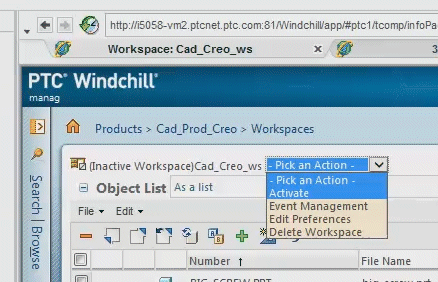
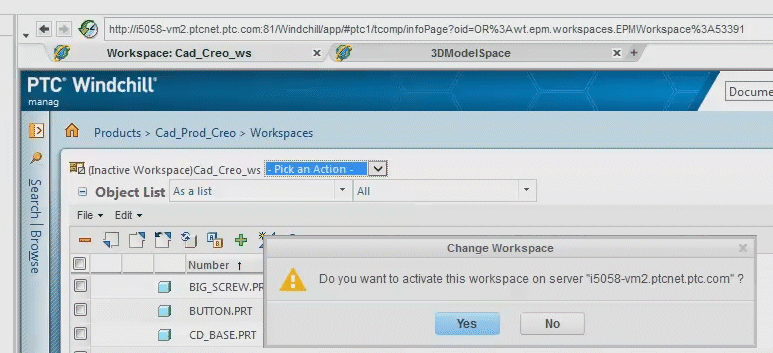
Activating the Workspace:
Workspace displays as empty post initial refresh:
Activating the Workspace:
Workspace displays as empty post initial refresh:
This is a printer-friendly version of Article 170096 and may be out of date. For the latest version click CS170096