Article - CS142565
The embedded browser frequently becomes unresponsive when performing update workspace using Internet Explorer 9 and windows_browser_type ie_in_sep_process or ie_in_process
Modified: 22-Jan-2018
Applies To
- Windchill PDMLink 10.0 F000 to 11.0
- Pro/ENGINEER and Creo Elements/Pro Wildfire 4.0 to Wildfire 5.0
- Creo Parametric 2.0 to 4.0
- PTC Windchill Workgroup Manager
- Internet Explorer 9.0
Description
- The embedded browser frequently becomes unresponsive when updating objects in the Workspace and when using IE 9 and config windows_browser_type=ie_in_sep_process or ie_in_process
- The embedded browser freezes displaying the spinning wheel (progress) icon when updating the workspace
- Creo Parametric goes offline when accessing a workspace.
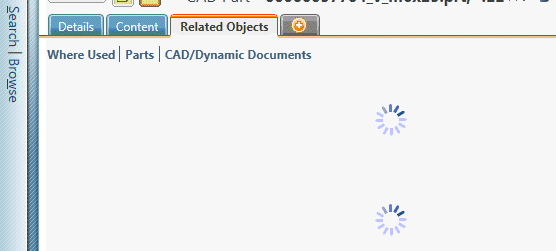
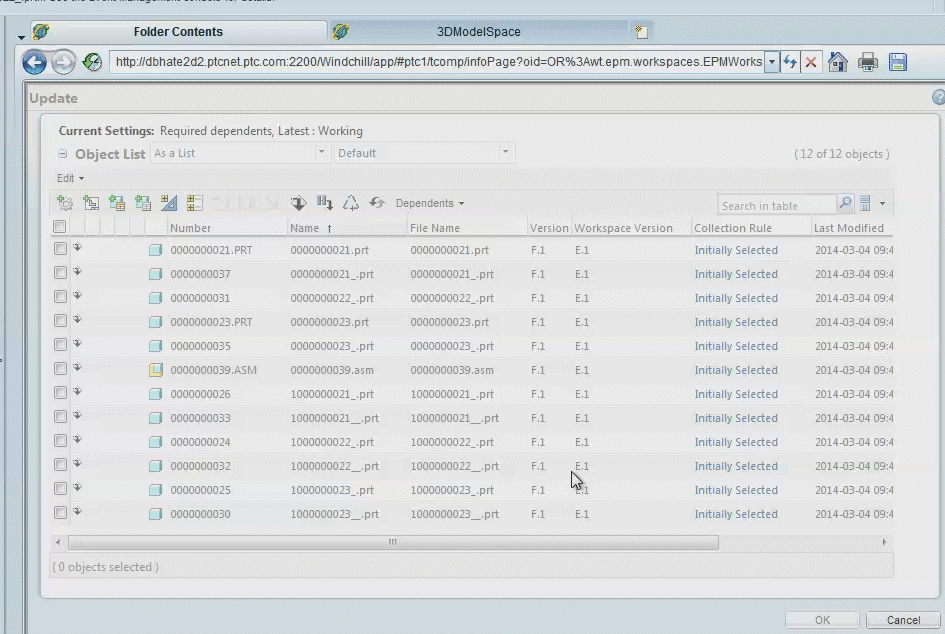
- When performing an update-out-of-date-versions of the workspace and simultaneously clicking or scrolling with the mouse, Creo Elements/Pro becomes unresponsive (the page fails to load completely) and only the cancel action can be performed
This is a printer-friendly version of Article 142565 and may be out of date. For the latest version click CS142565