Power Your Designs with Creo 11 and Creo+
This virtual launch event recap, hosted by the head of CAD Product Management, Paul Sagar, will teach you about the enhancements in Creo 11, with exclusive first-look demonstrations that will show you how to deliver your best designs in less time.
00:18 Welcome to Product Innovations where we share the latest updates to PTC technology solutions. Hello and welcome to our Creo 11 and Creo+ launch event. Power your designs with Creo 11 and Creo+. During this launch event, you'll hear from our VP of CAD Product Management, Paul Sagar. We're so excited for today's content and with that, I'll turn it over to Paul to start us off. -Hello, everyone and welcome to the Creo 11 launch webinar. My name is Paul Sagar,
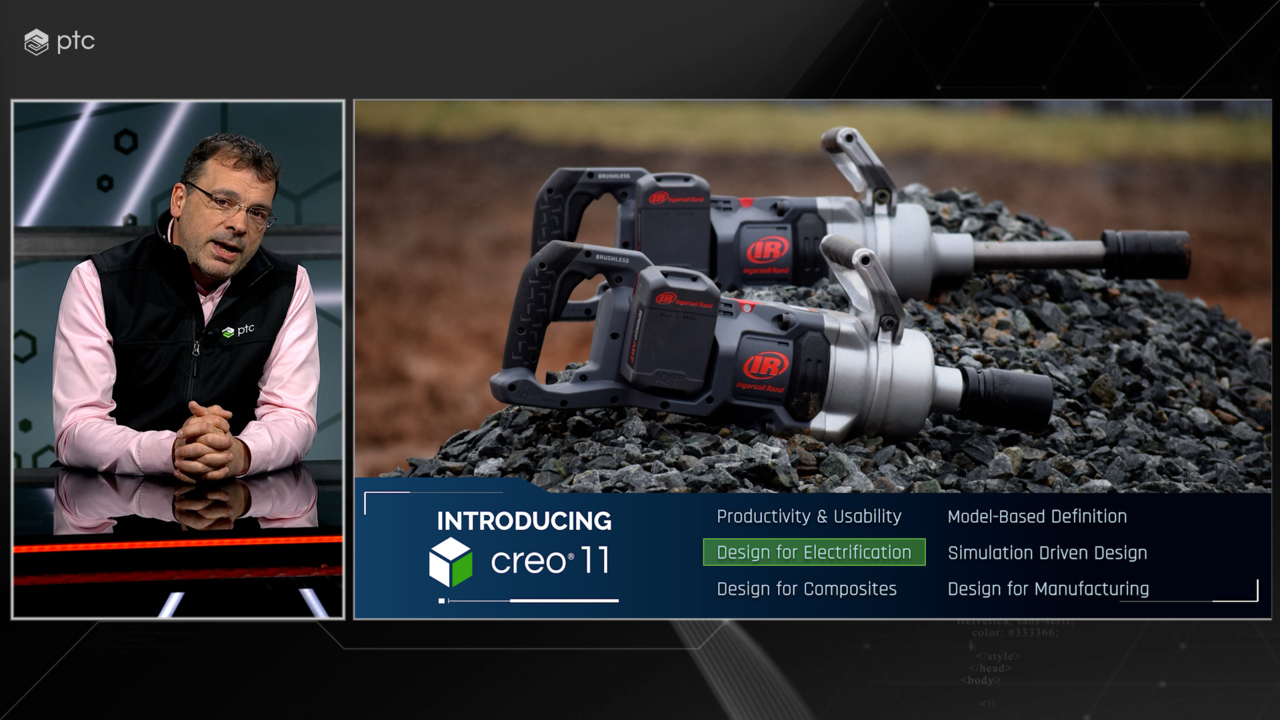
00:48 and I run the CAD Product Management team here at PTC. I'm excited to present to you the new capabilities we've been working on over the last 12 months. With Creo 11, we have packed well over 150 new enhancements into the release, spread across the entire portfolio. We're continuing to improve the usability and overall efficiency of every user, with enhancements to general modeling capabilities. More and more companies are investing in electrification strategies,
01:20 and Creo 11 sees a continued focus in this area. In Creo 10, we introduced a new composite design environment, as more companies are taking advantage of composite materials. We continue this investment in Creo 11. We continue to focus on model-based definition, as more companies are looking to transform their business by leveraging the full value of the digital thread. We continue to expand simulation-driven design and generative design capabilities.
01:53 Finally, we continue to broaden both additive and subtractive manufacturing offerings. Let's start with usability enhancements. Creo has many options to configure the look, feel, standards, behavior, or interaction of the product. Finding a particular option to control can sometimes be challenging. For many releases, we have had a Command Finder at the top right of the Creo window. This allows users to start typing the name of the command,
02:23 and Creo would identify, highlight, and if needed, execute the command in the interface, making it easy for new users to learn the interface, but also for existing users to find commands they don't use very often. In Creo 11, we have taken that concept and added it into the Options dialog, enabling faster configuring of Creo for both administrators and end users. We've improved our drag handles in the graphics area,
02:53 making it easier and more intuitive to perform dimension changes. We've continued to refine the model tree, introducing incremental expand, collapse of nodes, improving the overall experience. Creo 11 sees the introduction of a new standard surface selection, streamlining box, lasso, and trace selection into one common utility that is exposed to all surface-based commands and enables faster and more consistent selection tools for the users.
03:26 We also improved composite curve selection to make it more obvious to the user, whether they're selecting a curved segment, or the entire curve object, fostering more robust modeling practices. Let's take a look at some of the new productivity improvements. Now, back in Creo 7, we introduced multi-body design, the ability to create parts containing multiple solid body objects. With Creo 11, we have expanded this concept to now fully support
03:57 multiple sheet metal bodies as well. Whether the user is looking to leverage multiple bodies to speed up the creation of a single body part, or looking to take advantage of master model techniques to quickly build multiple bodies in context before extracting them to individual parts. This new capability significantly improves design efficiency for users designing sheet metal products. Continuing with a multibody theme, Creo 11 sees an expansion of our existing
04:29 shrink-wrap functionality for model simplification. Users can now create a shrink-wrap part or feature which collects all bodies from the parent assembly. Options are available to merge all those bodies into a single body in the final part, enabling easier and faster creation of simplified models for downstream use cases. Additional flex modeling operations can then be performed on the final part to further simplify the geometry as needed.
04:59 The enclosure volume feature has been updated to now not only automatically regenerate upon geometry change, but also introduce the ability to optimize the orientation of the enclosure, thus creating the smallest box surrounding the selected geometry. These enhancements enable easier and more intuitive creation of bounding box geometry for various use cases, such as packaging optimization.
05:29 We also have continued to invest in performance improvements, introducing a new 'From Pattern' option for 'Point Pattern,' increasing design flexibility, and performance of patterns that reference points or coordinate systems. For customers that build welded structures, we've continued our investment in welding, introducing new capability to specify joint members and defining a structure and hierarchy for the welding steps.
06:00 This structure can be output in xMCF format for consumption by other process or manufacturing tools. Creo 11 also sees improvements to general tools to support faster creation of spot welds within a design. It's now possible to project points defined in a sketch onto part geometry for use as spot weld locations. The Offset Edge command has also been enhanced to support the ability to offset an edge of a solid model,
06:32 enabling the quick creation of spot welds offset from an edge, overall improving user efficiency and flexibility when creating multiple spot welds. Creo 11 also sees continued expansion of surfacing functionality. Inside Freestyle, our subdivisional modeling functionality, we've introduced a new bevel option, providing greater control and flexibility to create round or chamfer-style topology. The Freestyle tree has been updated to provide faster access
07:04 to the multi-level subdivisional controls, giving users quicker access and understanding of the operation state and steps in the model. The Style feature has also been enhanced with more intuitive and predictable editing of the curves, the ability to create degree one and two curves, eliminating the risk of introducing inflections in a curve and subsequent surface, resulting in higher-quality finished designs. Moving on to electrification, with more companies investing
07:38 and expanding into electrification, we continue to broaden our existing cabling and ECAD offerings. We continue to make usability enhancements in the cabling environment, modernizing the Remove Location capability, with dynamic preview and filtering, simplifying the process of identifying locations to remove. We've continued to expand the cabling tree that was introduced in Creo 10, now displaying cosmetic features, including markers,
08:08 tapes, and tie wraps. Improved selection and highlighting of cable entities significantly improves wire tracing within a design. Control of color and transparency has been provided for ECAD context data, providing greater control of the presentation of the various ECAD layers. With Creo 10, we introduced a new dedicated environment for designing and manufacturing composite parts. With Creo 11, we've continued to broaden its capabilities with a focus
08:40 on three main areas. Firstly, we expanded upon the capability we introduced in Creo 10, making usability improvements to the ply transition command. The laminate section has been enhanced, enabling pre-highlight and selection of individual plies from the section and cross-highlighting them in the laminate tree, improving overall understanding and efficiency of the user. The draping algorithm has also been enhanced to support
09:10 more geometric situations, as well as providing a separate flat-ply window for easier visibility and handling of the flattened fabric. Secondly, we have introduced a new design method. With Creo 10, users manually created each ply. This works well for small components or products with a limited number of plies. When designing products with hundreds, if not thousands of plies, a different approach is needed. With Creo 11,
09:40 we introduced zone-based design, providing users with the ability to create zone stacks, a recipe of ply combinations, set up zones within the design and then apply zone stacks to each zone. The system then creates the plies for the design based upon the stack. This approach fosters faster conceptual design and creation of large-scale composite products. Finally, we focused on the manufacturing process,
10:11 introducing three different methods to extend a ply boundary beyond the design surface for manufacturing. We introduced a new core sampling function that will list all the plies, orientation, material, and thickness for each ply under a specified point. This report is typically called out in a ply book or as a note in MBD. Many companies use laser projection systems to more accurately place and position each ply in the mold.
10:42 With Creo 11, we have now output the leading LAP and ViRTEK laser projection files, increasing product quality and reducing manufacturing time. As more customers are looking to transform their business and realize the full value and potential of the digital thread, Creo 11 sees a continued expansion of our model-based definition capabilities. It's now possible to create simple tables, either on an annotation plane or flat-to-screen, providing a rich set of editing tools to format and scale the tables.
11:17 Semantic references can be added to individual cells of the table, providing clear referencing of the design. Full gallery support is provided, enabling users to quickly choose a standard table from a library, which will automatically be populated by any parameter information. In addition, an early maintenance release of Creo 11 will support the latest STEP AP242 Edition 3 for export of PMI information,
11:49 enabling the sharing of machine-readable information throughout the enterprise. GD&T Advisor continues to be expanded, providing engineers with a rich set of tools to guide, educate, and validate their model's GD&T Advisor, adding support for the latest ISO standards for general tolerances, improving standard compliance, providing the ability to combine whole callouts for ISO models, reducing the clutter on annotations,
12:19 as well as enhancing the Slab and Slot feature, improving overall efficiency. Moving on to simulation, we continue to broaden and strengthen our Ansys partnership, supporting simulation-driven design, and continue to enrich our generative design capabilities. As more companies are realizing the value of performing simulation early in the design process, reducing the risk of late-stage design changes and increasing confidence in their design decisions, we continue to expand Creo Simulation Live
12:52 by introducing Conjugate Heat Transfer, enabling engineers in real-time to predict the heat transfer between solids and fluids. This provides engineers with immediate feedback on design choices. There's now a broader set of simulation results possible, providing more options to the users, and updated Ansys solvers provide improved performance and accuracy of the results. Creo Ansys Simulation Advanced has also been expanded to now support
13:23 transient structure, allowing users to perform multi-step, time-dependent structural simulations. Expanded graphing capabilities now allow users to inspect and plot over time, helping users make more informed design choices. Creo 11 sees continued investment in generative design, as more companies are looking to leverage this emerging technology, as increased pressures related to workforce utilization continue
13:53 to be a challenge. The introduction of a new minimum thickness constraint enables users to control the thickness of the resulting geometry and avoid thin-walled structures or webbing in the optimization. It's now possible to define a bearing load with control over its distribution. This provides improved loading conditions for the optimization to capture design intent and can be leveraged by downstream analyses.
14:23 Finally, when performing a reconstruction operation, any planar symmetry constraints will be preserved, maintaining design intent during regeneration. As always, we continue to invest and expand our additive and subtractive manufacturing capabilities. Let's start with additive. As more companies start to take advantage of additive manufacturing in their design process, we continue to expand our capabilities. We're introducing a new lattice connect command that enables
14:53 the blending and connecting of two or more lattice volumes, providing greater flexibility in the design process and fostering faster innovation. We continue to enhance the current beam-based lattices by introducing pore size control for stochastic lattices and supporting use cases for medical implants, as well as the design of filters. Simplified lattices can now be manipulated using the Warp command,
15:23 allowing global shape deformation to account for distortion in the manufacturing process. Further enhancements have been made to both 3MF and STL export to improve overall printability. Moving to subtractive manufacturing. As customers continue to demand shorter machining times and higher quality finished products, for the last three or four releases, we've been expanding our high-speed machining functionality.
15:53 Creo 11 continues this theme, with a focus on introducing new four-axis rotary roughing and finishing toolpaths, with support for end, ball and bull-nose mills. This capability is being driven by direct customer requests. We also continue to expand our existing toolpaths, providing tangential lead in and out for trajectory milling, as well as expanded tool access control for our five-axis trajectory sequences,
16:24 increasing overall usability. The retract plane for many milling sequences can now be customized, reducing the retract motion and retract time. The display of manufacturing geometry, such as mill windows or volumes, can now be directly controlled in the graphics toolbar, helping to reduce screen clutter and allowing the manufacturing engineer to focus on their current operation. Finally, we didn't forget about turning, introducing
16:54 a streamlined and consistent user interface for four-axis area turning, improved material removal functionality for profile turning, and addressed several customer-driven enhancements. Now, shortly after the release of Creo 11, we'll be delivering the next build of Creo+. More and more companies are looking to take advantage of the benefits that Software as a Service provides. Potential benefits such as reducing maintenance and administration activities,
17:24 always running the latest software, consequently being able to take advantage of the latest technological advancements. Not to mention, enhanced collaboration capabilities, only available via cloud-based services, to name a few. All the capabilities you have just seen will be available in the next delivery of Creo+. In addition, we continue to broaden specific Creo+ functionality. Engineering Notebook is now deployed and managed as part of Creo+,
17:56 providing the ability to embed Mathcad engineering calculations directly inside Creo parts or assemblies. The Control Center will now monitor for metered networks, and will delay any updates until returning to a regular network. Extensive performance improvements have been made to the collaboration environment when working with larger assemblies, as well as usability improvements around error handling and conflict resolution,
18:27 overall improving the user experience and efficiency. This was just an overview of some of the 150-plus amazing capabilities added in Creo 11 and Creo+, providing huge value to all of our user base. For more information, please visit ptc.com/creo. I hope you have enjoyed what you have seen, and I thank you for your time. Thank you, Paul, for the detailed descriptions of the Creo 11 and Creo+ improvements. For more information on what's new in Creo 11 please visit ptc.com/creo.
19:00 We hope you enjoyed this launch event and we'll see you next time.