What is a technical illustration?
A technical illustration visually communicates technical information for a specific product and its variants. Technical illustrations are used in many fields, including engineering, manufacturing, architecture, and service.
Common challenges of creating technical illustrations
- No consistency: Teams are often made up of several different contributing illustrators. This can lead to variations in style and accuracy, which leads to a lack of comprehension for the end users.
- Slow change management: When a product design is changed, illustrators must recreate the illustration from scratch and/or go through a time-consuming change process.
- Lack of integration: Illustrations must work seamlessly with both CAD and technical documentation tools.
Who creates technical illustrations?
Engineers – Engineers create CAD models that are used as a reference for creating technical illustrations.
Product Developers – Product developers use CAD and technical illustrations to explain designs and assembly processes.
Technical Illustrators – Technical illustrators create detailed and accurate images for the purpose of communicating complex information.
Drafting Technicians – Drafting technicians prepare technical drawings and schematics for projects in engineering and architecture.
Marketing Professionals – Marketing professionals may include technical drawings and 3D visualizations for promotional and educational materials.
Technical Writers – Technical writers may include technical illustrations, technical drawings, and 3D illustrations in textbooks and manuals.
Who uses technical illustrations?
Service Technicians – Service technicians look at technical illustrations in manuals that help them perform maintenance and repairs.
Parts Specialist – Parts specialists consult technical illustrations for parts identification to ensure they order the correct spare parts.
End Users – Users of products consume technical illustrations in instructions for basic self-service and parts identification.
Types of technical illustrations
Line Drawings
Diagrams
Cutaways
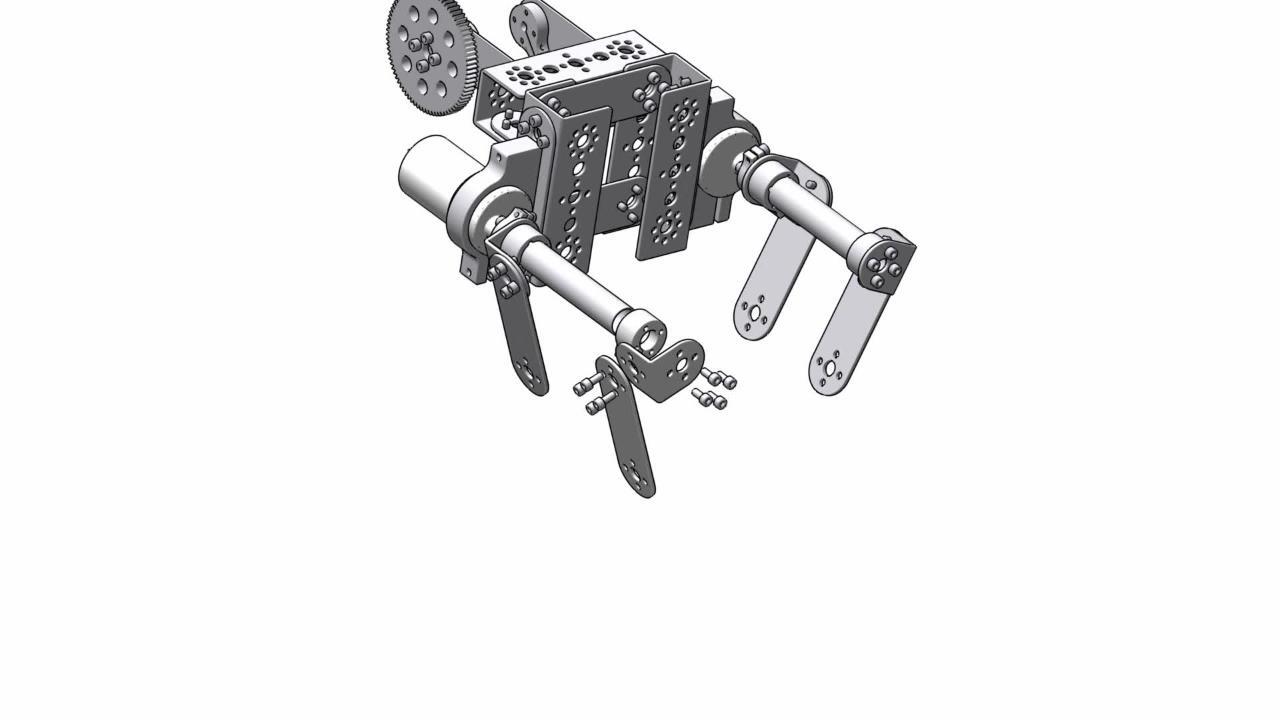
Exploded Drawings
Bring illustrations to your technical publications
3D technical illustrations enable individuals to absorb complex information incredibly quickly. To develop 3D content at scale and efficiently, technical illustrators must have the resources to:
- Create 3D illustrations from existing engineering files.
- Automatically update illustrations when product changes occur.
- Reuse illustrations and animations across multiple technical publications.
The problem is, not all technical illustration software provide these capabilities.
Key technical illustration capabilities
Associative Links: Create technical illustrations and animations from SolidWorks, CATIA, JT, and other CAD files.
Sequencing Tools: Generate interactive 3D animations that guide service technicians and operators through complex procedures.
Change Management: Automatically apply product engineering, design, or development changes to published content.
Content Reuse: Reference a central repository of 3D content to build parts catalogs, manuals, and other publications.
Annotations: Add callouts, text notes and symbols to provide additional context behind illustrations.
Device Agnostic: Ensure your content is accessible through print, mobile, desktop, and augmented reality.