Key takeaways from this webinar
In this webinar replay, PTC and Cognizant Mobility share practical lessons from real-world IBM Rational DOORS migration projects, including governance, requirements management, change management, and user adoption.
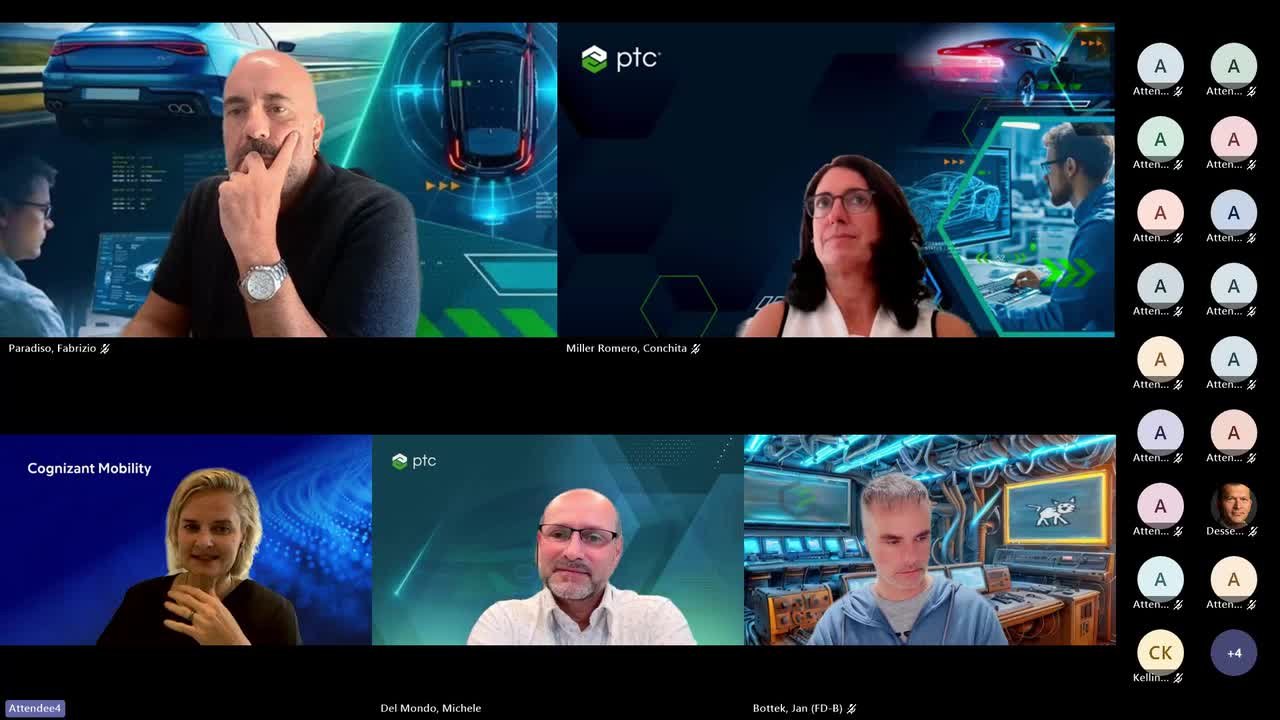
Webinar transcript highlights
Key discussion topics and insights from the webinar on migrating from IBM DOORS to Codebeamer in automotive development environments.
Why DOORS-to-Codebeamer migration is more than a tool change
The speakers emphasized that large migration projects should not be viewed as simple tool replacements. In the featured example, more than 10,000 users and approximately 2,000 DOORS modules were involved. Successful migrations require organizations to review processes, responsibilities, data structures, interfaces and supplier collaboration, making the effort a business transformation program rather than a technical migration project.
Preparing for a successful migration
The discussion highlighted that preparation is often the most critical success factor. Organizations should first understand existing processes, roles, responsibilities, interfaces and engineering workflows before designing the future environment. The migration timeline depends heavily on process maturity, data quality, governance and the speed of internal decision-making. Well-prepared organizations can significantly reduce risks and delays later in the program.
Process mapping and target operating model
The speakers advised against performing a simple one-to-one migration of an existing DOORS environment. Instead, organizations should evaluate which information is actively used, which data provides business value, what should remain traceable and what can be archived. Future processes should define the future platform structure. The objective is not to recreate historical implementations but to create an efficient future-state engineering environment.
Managing complexity and organizational alignment
One of the biggest challenges discussed was dealing with historically grown processes and structures across multiple engineering disciplines. The goal is not to force every department into the same process, but to create transparency, understand dependencies across teams and identify opportunities for harmonization. An end-to-end view is essential because requirements, changes, tests and approvals move across organizational boundaries rather than remaining within isolated departments.
User adoption, training and change management
Codebeamer adoption should be managed as a change program rather than a software rollout. The webinar highlighted the importance of involving experienced key users early, validating the migration concept through pilot projects and supporting adoption through training, coaching, office hours and ongoing guidance. Go-live should be viewed as an important milestone, but long-term success depends on stabilization, continuous improvement and user acceptance after deployment.
Data quality, governance and AI readiness
Migration projects often reveal outdated information, duplicate content, inconsistent structures and incomplete traceability. The speakers recommended deciding which data should be migrated, archived or cleaned before implementation. Strong governance, clear ownership and defined processes help prevent complexity from reappearing after rollout. The webinar also highlighted that AI readiness depends on high-quality engineering data. A harmonized and reliable engineering data foundation creates better conditions for automation, traceability and future AI-enabled engineering processes.
Webinar questions and answers
Explore answers to questions submitted during the webinar on migrating from IBM DOORS to Codebeamer.
Was process alignment performed, and when did it take place?
As explained during the webinar, most of the process alignment took place before the migration. This work was also part of the preparation for the migration concept.
How were 10,000 users trained to work with Codebeamer?
Regular remote training sessions are provided for different skill levels and user roles. In addition, coaching is offered for specific development areas, together with regular office hours where users can raise questions. Documentation is also created directly in Codebeamer to support users in their day-to-day work.
Was basic training provided in addition to key-user training?
Yes. Basic user training is provided through the remote training sessions, role-based training, coaching, regular office hours and supporting documentation described above.
Were pilot projects kept synchronized during the migration?
No. The pilot projects were migrated and then continued exclusively in Codebeamer.
What data issues occurred when using the DOORS Bridge?
We did not support the project from an IT perspective and therefore cannot provide further details.
How was the supplier exchange migrated or restored?
We did not support the project from an IT perspective and therefore cannot provide further details.
Were DOORS modules mapped one-to-one to Codebeamer trackers?
No. The preparatory work involved reviewing the existing process landscape and using the opportunity to adapt processes to new requirements and make them more efficient. This analysis formed the basis for the Codebeamer configuration.
What lessons were learned, and what would you do differently?
The importance of involving key users became increasingly clear throughout the migration process. A detailed analysis of the existing data landscape is essential and provides the greatest leverage during preparation, together with clearly defined data-transfer processes. A migration requires as much follow-up as preparation. A well-designed training concept is also essential.
What are the challenges of migrating large legacy projects?
The main challenges are analyzing and cleaning up data that has evolved over many years and dealing with complex project structures. Data quality and consistency play an important role. It is also essential to define how migrated content will be reviewed and validated after the migration.
How is end-to-end traceability maintained and verified?
End-to-end traceability can be supported through:
- Clear mapping between source and target objects
- Automated consistency and completeness checks
- Sample reviews conducted by domain experts
Related resources
Profitable Innovation is Engineered: How Tier 1 Suppliers Can Reduce Complexity and Protect Margins
Discover how Tier 1 suppliers can reduce complexity, improve traceability, and drive profitable innovation with a connected digital thread.
Discover how Tier 1 suppliers can reduce complexity, improve traceability, and drive profitable innovation with a connected digital thread.
PLE Roadshow: Turning Product Complexity into a Competitive Advantage
Discover how Product Line Engineering helps organizations manage complexity, scale reuse, improve quality, and accelerate product innovation.
Discover how Product Line Engineering helps organizations manage complexity, scale reuse, improve quality, and accelerate product innovation.
Product Line Engineering for Aerospace & Defense
Watch Lockheed Martin, Safran Seats, and PTC discuss how Product Line Engineering improves reuse, traceability, and product configurability.
Watch Lockheed Martin, Safran Seats, and PTC discuss how Product Line Engineering improves reuse, traceability, and product configurability.