Article - CS295339
Web Frame Widget fails to display third-party web application within ThingWorx Platform
Modified: 23-Sep-2024
Applies To
- ThingWorx Platform 8.2 to 9.4
Description
- Cannot display third-party web app within ThingWorx Platform
- Encountering issues when trying to load a third-party URL in the webframe widget in ThingWorx Platform
- Web Frame Widget does not work to display third party application
- How to embed a third-party webpage within ThingWorx Platform
- Mashup is not displaying a third-party web application correctly
- Not able to embed an HTTP-based webpage within a ThingWorx Mashup's iframe widget
- Trying to embed an HMI from a Beckhoff IPC into a web frame but cannot get it to work
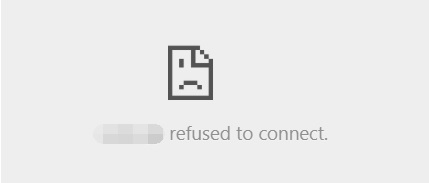
- Web Browser shows any of the the following messages when accessing a Mashup with a Web Frame Widget
- Firefox
- Blocked By X-Frame-Options Policy
- Chrome
- <Web Application Domain> refused to connect
- Firefox
- F12/Dev Tools Console tab in Google Chrome shows one of the following errors:
- Refused to display '<Third-Party Web App FQDN>' in a frame because it set 'X-Frame-Options' to 'sameorigin'
- Refused to display '<Third-Party Web App FQDN>' in a frame because it set 'X-Frame-Options' to 'deny'
- ThingWorx Web Frame widget fails to display 3rd-party webpage with the following error message
- Firefox
- Chrome
- Firefox
This is a printer-friendly version of Article 295339 and may be out of date. For the latest version click CS295339