Article - CS251298
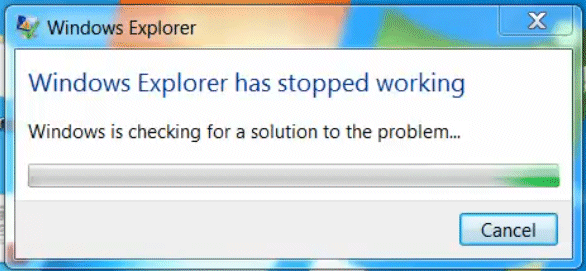
After selecting "Cancel" when prompted to restart Windows Explorer while uninstalling the 11.0 M020 Windchill Workgroup Manager, Windows Explorer exits prematurely with message "Windows Explorer has stopped working"
Modified: 23-Nov-2016
Applies To
- Windchill PDMLink 11.0 M020
- Windchill ProjectLink 11.0 M020
- Windchill PDM Essentials 11.0 M020
- Pro/INTRALINK 8.x + 11.0 M020
- Windchill Workgroup Manager
Description
- If while uninstalling the Windchill Workgroup Manager one selects "Cancel" when prompted to restart Windows Explorer, Windows Explorer will exit prematurely with a message
Windows Explorer
Windows Explorer has stopped working
Windows is checking for a solution to the problem...
Windows Explorer
Windows Explorer is restarting...
Windows Explorer has stopped working
Windows is checking for a solution to the problem...
Windows Explorer
Windows Explorer is restarting...


This is a printer-friendly version of Article 251298 and may be out of date. For the latest version click CS251298